If you've ever shipped a Next.js app and wondered why Lighthouse is still flagging your LCP, or why your blog posts feel slower than a static HTML file from 2004 — the answer is almost always a rendering strategy mismatch.
Web rendering is one of those topics that gets explained with diagrams and acronyms (CSR, SSR, SSG, ISR) but rarely gets explained as a decision — something you make deliberately for each page, with real consequences when you get it wrong. This post is about making that decision well.
Why Your Rendering Choice Is a Product Decision, Not Just a Technical One
Most developers treat rendering as a configuration detail. It's not.
It determines your SEO ceiling. A client-side rendered marketing page is essentially invisible to search engines on day one. Your competitors' static pages are indexed immediately. The gap compounds over months.
It shapes your Time to First Byte (TTFB) and LCP. A server-rendered page delivers real HTML to the browser faster than a page that ships an empty <div id="root"> and hopes JavaScript loads quickly. For e-commerce, every 100ms of load time has documented conversion rate impact.
It affects your infrastructure costs at scale. SSR on every request means your servers are working on every page load. SSG means you generated the page once and serve it from a CDN forever. For a high-traffic blog, these two approaches produce vastly different cloud bills.
It gates your content freshness. SSG means your data is as fresh as your last deployment. For a news site publishing 50 articles a day, that's a problem. For a portfolio site updated quarterly, it's irrelevant.
Getting this wrong means you're either over-engineering a simple content site or under-serving a dynamic app that needs fresh data. Both paths hurt.
The Core Idea
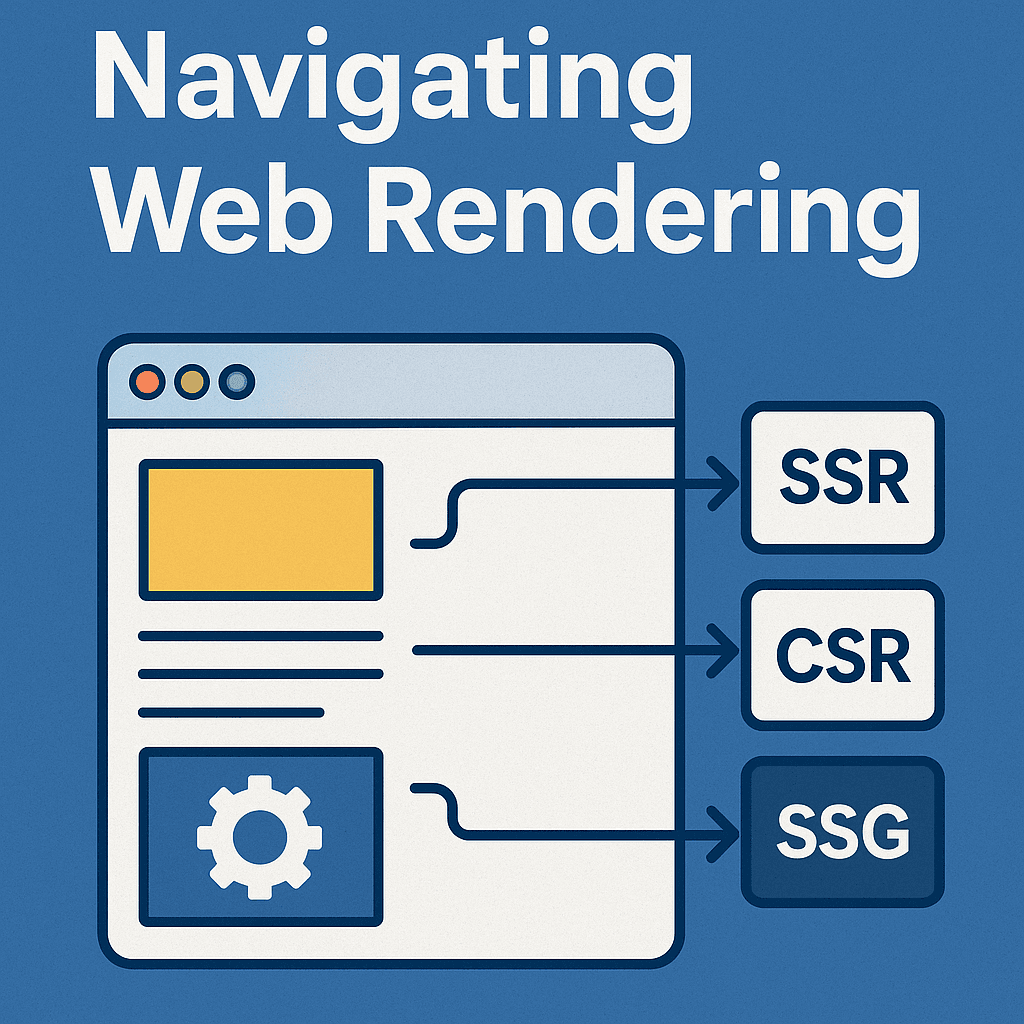
All four strategies answer one question: where and when does the HTML get generated?
-
CSR — in the browser, every time the user loads the page
-
SSR — on the server, every time a user makes a request
-
SSG — on the server, once at build time, for everyone
-
ISR — on the server, at build time, but with selective re-generation on a schedule Everything else — the pros, the cons, the tradeoffs — flows from those four sentences.
The Four Strategies, Actually Explained
1. Client-Side Rendering (CSR)
The server sends a nearly empty HTML file and a JavaScript bundle. The browser downloads the bundle, executes it, fetches data, and builds the page. The user sees a loading state, then content.
// Classic CSR in React — data fetching happens in the browser
function UserDashboard() {
  const [data, setData] = useState(null);

  useEffect(() => {
    fetch('/api/dashboard').then(r => r.json()).then(setData);
  }, []);

  if (!data) return <Spinner />;
  return <Dashboard data={data} />;
}
What the server delivers to the browser:
<html>
  <body>
    <div id="root"></div>
    <script src="/bundle.js"></script>
  </body>
</html>
A search engine crawling this page sees almost nothing. A user on a slow connection waits for the JS to download before they see anything. The server, meanwhile, did almost no work.
The hidden strength of CSR: once the app is loaded, navigation is instant. No full-page reloads, no server round-trips for page transitions. This is why Gmail, Figma, and Linear use it — the initial load cost is a one-time payment for fast subsequent interactions.
Use it for: authenticated dashboards, internal tools, heavily interactive apps (think: canvas editors, real-time collaboration), anything where SEO doesn't matter and interactivity is the product.
Don't use it for: anything you want Google to index, landing pages, product pages, anything where first-load performance affects conversion.
2. Server-Side Rendering (SSR)
Every request hits your server. The server fetches data, builds the full HTML, and sends it to the browser. The user sees real content immediately. No loading spinner, no empty shell.
// Next.js SSR — runs on the server on every request
export async function getServerSideProps(context) {
  const { params, req } = context;

  // This runs on your server, not in the browser
  const product = await db.products.findById(params.id);
  const user = getUserFromSession(req);

  return {
    props: { product, user }
  };
}

export default function ProductPage({ product, user }) {
  return <Product data={product} user={user} />;
}
The browser receives fully-formed HTML. Googlebot indexes real content. The user sees it fast. But your server paid to generate it. And it will pay again for the next user, and the one after that.
The real cost of SSR: it doesn't scale the same way static does. A CDN can serve a static file to a million users for roughly the same cost as serving it to one. SSR scales with traffic — more users means more server compute. For low-traffic apps this is invisible. For viral traffic spikes, it becomes a real problem.
Use it for: pages requiring user-specific data (personalized feeds, account pages), pages that need fresh data on every request (live prices, real-time inventory), pages where SEO matters but content changes too often for SSG.
Don't use it for: high-traffic content pages where the data doesn't change per user — you're leaving CDN performance on the table.
3. Static Site Generation (SSG)
Build time: the framework generates HTML for every page and writes the files to disk (or a CDN). Runtime: users hit the CDN, get instant HTML, no server computation at all.
// Next.js SSG — runs at build time, zero runtime server cost
export async function getStaticPaths() {
  const posts = await db.posts.findAll();
  return {
    paths: posts.map(p => ({ params: { slug: p.slug } })),
    fallback: false
  };
}

export async function getStaticProps({ params }) {
  const post = await db.posts.findBySlug(params.slug);
  return { props: { post } };
}

export default function BlogPost({ post }) {
  return <Article content={post} />;
}
When this builds, Next.js generates one HTML file per blog post. Deploy to Vercel or Netlify. All traffic hits the CDN edge. Response times measured in milliseconds. No server, no cold starts, no compute bills for traffic.
The real cost of SSG: it only works if your content updates are infrequent enough to tolerate rebuild cycles. If you add a new blog post, you need to trigger a new build and deploy. For a personal blog, this is fine. For a 500,000-product e-commerce catalog that changes prices hourly, this breaks down.
Use it for: blogs, documentation sites, marketing pages, portfolio sites, any content that changes infrequently and doesn't vary by user.
Don't use it for: user-specific pages, frequently-updated data, anything where staleness matters.
4. Incremental Static Regeneration (ISR)
ISR is the answer to SSG's staleness problem. Pages are still pre-generated as static files, but each page has a revalidate time. After that window expires, the next request triggers a background regeneration. The user still gets the old page (instantly), but the server quietly rebuilds it. Subsequent users get the fresh version.
export async function getStaticProps({ params }) {
  const product = await db.products.findById(params.id);

  return {
    props: { product },
    revalidate: 60  // Rebuild this page at most once per minute
  };
}
This is a stale-while-revalidate pattern at the infrastructure level. The page is always fast (it's static). The data is eventually fresh. The trade-off is that a user might see data that's up to revalidate seconds old.
The nuance teams miss: ISR doesn't guarantee freshness — it guarantees a maximum staleness window. If your product's price changes and you've set revalidate: 3600, a user could see the old price for up to an hour. For most content, this is fine. For anything price-sensitive or legally significant, it's not.
Use it for: e-commerce product pages (prices can be slightly stale, but the page structure is stable), news sites (stories change but don't need sub-second freshness), any high-traffic page with SSG-like content that updates more than daily.
Don't use it for: anything requiring real-time accuracy, stock prices, live scores, or per-user personalization.
The Comparison That Should Drive Your Decision
| CSR | SSR | SSG | ISR | |
|---|---|---|---|---|
| HTML generated | Browser | Server (per request) | Server (build time) | Server (build + on-demand) |
| SEO | Poor | Excellent | Excellent | Excellent |
| Initial load | Slow (JS first) | Fast | Fastest | Fastest |
| Data freshness | Real-time | Real-time | Build time | Configurable |
| Server compute | Minimal | Per request | One-time build | Rare (on revalidate) |
| CDN-cacheable | Partially | No | Yes | Yes |
| Best for | Dashboards, apps | Dynamic, personal | Blogs, docs | Products, news |
| Next.js hook | useEffect | getServerSideProps | getStaticProps | getStaticProps + revalidate |
The column that matters most for your decision is "Data freshness" paired with "Server compute." Everything else follows from those two.
Real-World Scenarios
The Startup Landing Page
You're building a SaaS. The homepage, features page, pricing page, and blog all need SEO. They update maybe once a month.
Wrong choice: SSR. You're running a server to regenerate a page that hasn't changed since last month, for every visitor. You're paying compute costs for zero benefit.
Right choice: SSG. Build the pages at deploy time. Serve them from a CDN. Load times are in milliseconds, Lighthouse scores in the 90s, Google indexes them immediately.
When the marketing team updates a pricing table, they push a commit, CI runs, pages regenerate in 30 seconds. Done.
The E-Commerce Product Catalog
50,000 products. Prices update daily. Inventory changes hour to hour.
Wrong choice: SSG with a full rebuild on every price change. A 50,000-page build takes minutes and defeats the point.
Wrong choice: SSR for every product page. You're generating the same HTML for user after user, all of whom see the same product page. You're wasting compute.
Right choice: ISR. Generate all product pages at build time. Set revalidate: 300 (5 minutes). Price changes propagate within 5 minutes. 99% of traffic hits the CDN cache. Your servers only work when a page actually needs refreshing.
The User Dashboard
An analytics dashboard showing the logged-in user's data. Personal metrics, account-specific graphs, private information.
Wrong choice: SSG. You can't pre-generate personalized pages at build time.
Wrong choice: SSR for every panel. Each data widget making a server round-trip per page load compounds latency.
Right choice: CSR for the data panels (fetch asynchronously, show skeletons while loading), with SSR or SSG for the shell/layout that's the same for all users. This hybrid approach is what Next.js's App Router was designed to make natural.
The News Publication
100 new articles a day. Articles are the same for all readers. SEO is critical. Breaking news needs to appear quickly.
Wrong choice: SSG with a full rebuild on every publish. Your editorial team can't wait 10 minutes for a build every time they publish.
Right choice: ISR with a short revalidate window (60–120 seconds). New articles appear within 2 minutes of publishing. Traffic hits the CDN. Authors get near-instant feedback that their article is live.
The Decision Framework
Choose CSR if:
-
✔ The page is behind authentication (no SEO value)
-
✔ The UX is highly interactive and stateful (editor, dashboard, real-time app)
-
✔ Data is user-specific and changes frequently
-
✔ You can afford a slower initial load in exchange for instant navigation
Choose SSR if:
-
✔ Data is user-specific AND must be indexed by search engines
-
✔ Content changes with every request (live prices, personalized feed)
-
✔ You need real-time accuracy and SEO simultaneously
-
✔ Traffic is moderate enough that per-request server costs are acceptable
Choose SSG if:
-
✔ Content is the same for all users
-
✔ Updates are infrequent (weekly, monthly)
-
✔ Maximum performance and lowest cost are priorities
-
✔ Your content set is small enough for a full build to be fast
Choose ISR if:
-
✔ Content is the same for all users but updates regularly
-
✔ You have too many pages for a full rebuild to be practical
-
✔ You can tolerate data being slightly stale (minutes, not seconds)
-
✔ Traffic is high enough that SSR's per-request compute would be expensive
The one-line rule: Match the frequency of your data updates to the freshness your rendering strategy provides — and match user-specificity to your rendering location.
Key Insights
The App Router changes the framing. Next.js 13+ with the App Router introduces React Server Components, which blurs the CSR/SSR line at the component level. You can have a server-rendered page with specific client components for interactive pieces. The per-page rendering model is giving way to a per-component model. If you're starting a new Next.js project in 2025, learn the App Router's server/client component distinction — it subsumes much of the old mental model.
ISR's staleness is a feature, not a bug — until it isn't. Teams often set revalidate to very low numbers (5, 10 seconds) because they're uncomfortable with staleness, then wonder why their ISR pages perform like SSR pages. The whole point of ISR is that most of your traffic hits a cached, pre-built page. If you set revalidate: 10, you're regenerating constantly and losing the CDN benefit. Be intentional about your staleness tolerance.
"SEO requires SSR" is partially wrong. Google's crawler can execute JavaScript and index CSR pages — but it does so on a "second wave" crawl that can take days to weeks, versus immediate indexing of server-rendered HTML. For most content sites, this delay is unacceptable. For apps where SEO doesn't matter, it's irrelevant. The nuance is: CSR doesn't mean "won't be indexed," it means "indexed slower and less reliably."
SSG scales to zero cost at infinite traffic. This sounds hyperbolic but is accurate for CDN-served static assets. A Vercel or Netlify CDN serves a static HTML file for roughly $0.0001 per GB of transfer. SSR pages served from compute cost orders of magnitude more at scale. For high-traffic content sites, SSG isn't just a performance choice — it's a business model.
Hydration is the hidden performance cost of SSR and SSG. Your page might load fast (the HTML is there immediately), but it's not interactive until React hydrates — attaches event handlers, mounts components, runs client-side JavaScript. This hydration cost is invisible in basic Lighthouse scores but shows up as "Time to Interactive." Large SSR pages with heavy JavaScript bundles can have fast FCP but sluggish TTI. React Server Components and streaming HTML are the modern answers to this problem.
Common Mistakes
Using SSR for content that doesn't vary by user or request. If everyone who visits /about sees the same page, you're running a server to regenerate the same HTML on every request. That's SSG's job.
Using SSG for pages that need personalization. Pre-generated pages are the same for every user. If you find yourself trying to "inject" user-specific data into a static page with client-side fetching, you've probably chosen the wrong rendering strategy for that page.
Setting revalidate too low. If revalidate: 5, you're regenerating every 5 seconds for every page. At scale this approximates SSR costs, but with more complexity. Audit your actual data freshness requirements before setting this number.
Ignoring the hybrid model. Most real apps use different strategies for different pages. A Next.js app can use SSG for marketing pages, SSR for authenticated dashboards, ISR for product pages, and CSR for interactive widgets — all in the same project. You don't have to pick one.
TL;DR
-
CSR → browser builds the page. Fast interactions, slow first load, poor SEO. For dashboards and apps.
-
SSR → server builds the page per request. Fast first load, great SEO, scales with traffic. For personalized, dynamic pages.
-
SSG → server builds pages at deploy. Fastest possible, best SEO, zero runtime cost. For content that doesn't change often.
-
ISR → SSG with a refresh timer. Fast CDN delivery with eventual freshness. For high-traffic content that updates regularly.
-
Most production apps use all four — different pages, different strategies.
-
The question to answer first: does this content vary by user, and how often does it change?
Conclusion
The developers who get rendering right aren't the ones who memorized the acronyms. They're the ones who start with a question: what does this page need to do, and how often does its data change?
A documentation site that uses SSR is over-engineered. An e-commerce catalog that does a full SSG rebuild on every inventory change is impractical. A dashboard that tries to pre-render user-specific data will break in subtle ways. These aren't theoretical mistakes — they're the exact patterns you see in production codebases built by teams that copied patterns without understanding the tradeoffs.
Next.js, Remix, and Astro have all made it easy to mix strategies within the same project. That's not a footgun — it's the right design. Use SSG where you can, ISR where you need freshness, SSR where you need personalization, and CSR where interactivity is the product.
Pick the strategy that matches your data. Not the one that sounds most sophisticated.
Over to You
What rendering strategy did you start with on your last project, and did you end up changing it? Drop it in the comments — especially if you've migrated a production app from CSR to SSG or vice versa. The migration stories are usually more instructive than the greenfield ones.